Hello World
Creating the obligatory 'Hello World' example is easy. Just type the following in you editor.
function love.draw()
    love.graphics.print("hello world", 200, 200)
end
Create a new folder called World somewhere in your documents and save the file as main.lua into that folder.
How to run
The easist way to get the game started is to drag the folder on the Love.exe or the Love.app.
See also: Advanced Way to Run the Game.
Success
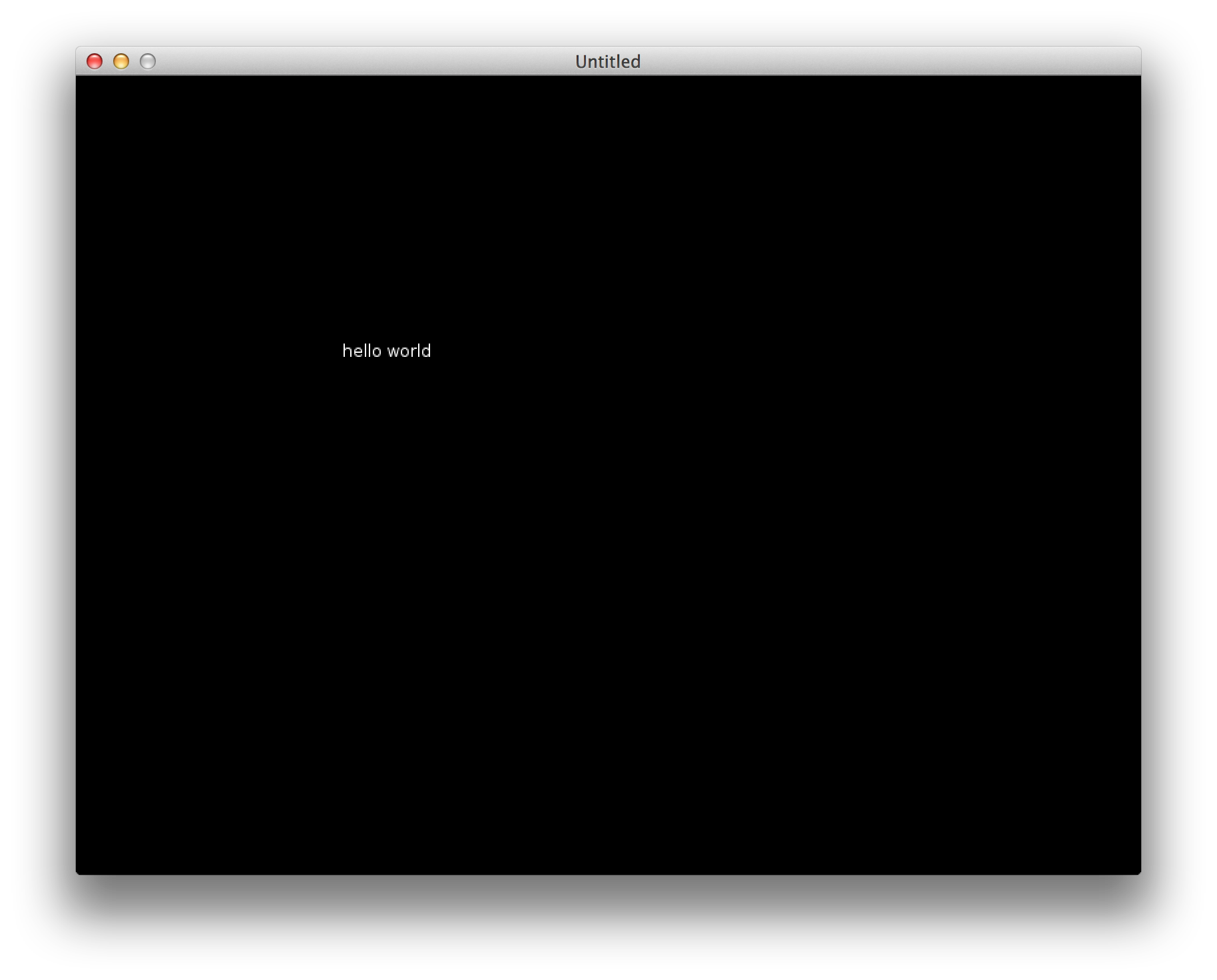
You should see a new window opening with the title being 'Untitled'. There should be white text on a black background saying 'hello world'.
It's not working?
First of all: Check every step we've done. Did you drag the folder (and not the file!) on the Löve executable?
Get a blue background with an error?
This is very important: Read the error messages!
If the background is blue and the text says 
you probably used the wrong directory or the directory is empty.
If the looks different but the background is also blue then it is a problem with your code.
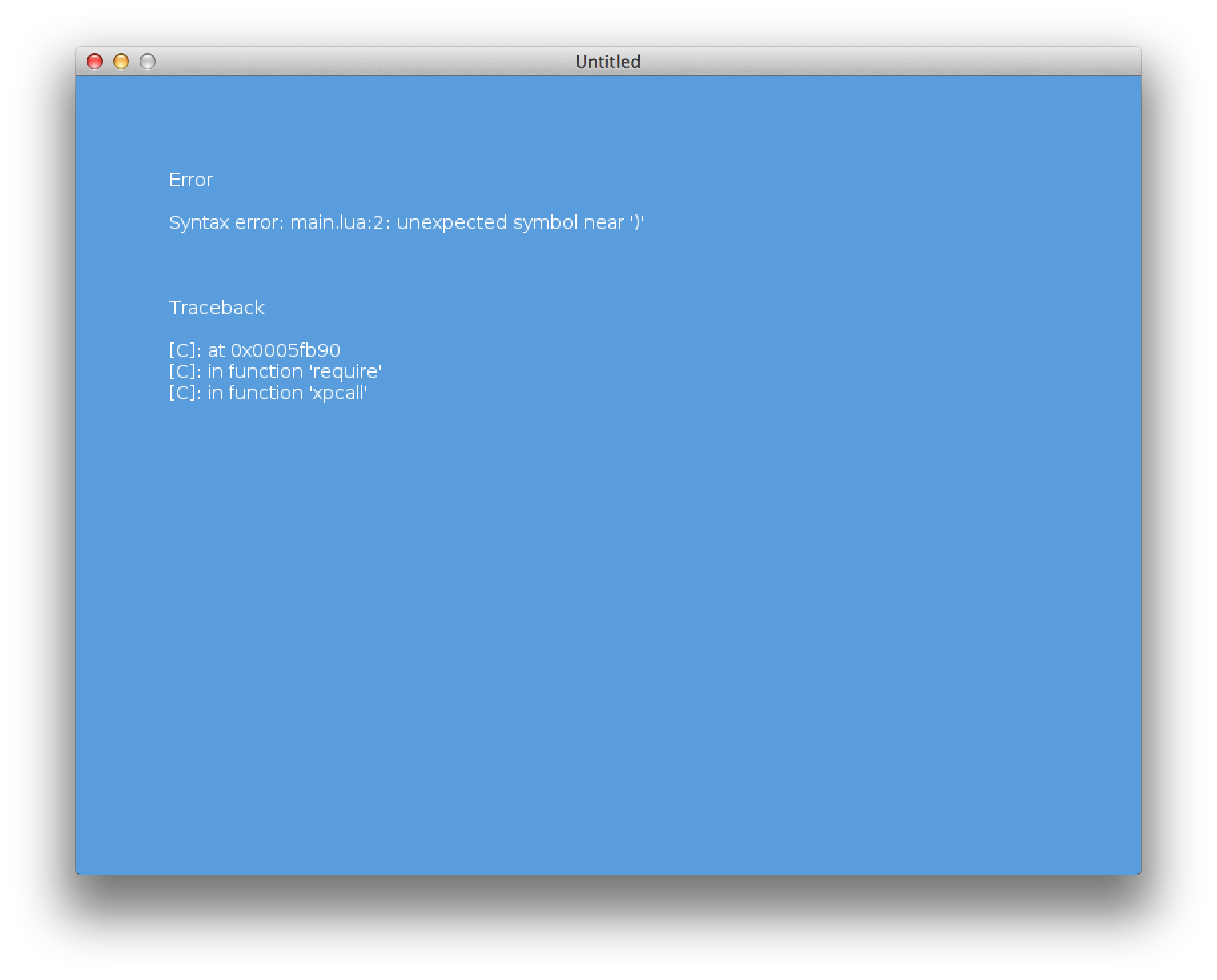
The error message will tell you in which line and near which character the problem lies. Usual causes for this are missing parentheses and extra commas.
Black Screen but no Text?
In that case you made an error that is not a syntax error or an execution error. Look at your code. Did you copy the code from above char by char? Make sure that all the dots are there.
Everything works as intended?
Great! We can now move on to begin to create our little game.